According to Arrowsterr keyword data from November 2026, "segment cdp" gets only 390 Google searches a month. That's a small number for a company Twilio paid about $3.2 billion for.
That means Segment can't grow on its own name. So it ranks for searches about the tools it connects to, like "how to send Segment data to HubSpot" or "how to install analytics.js", and it answers each one with a public docs page.
I think it's one of the cleanest technical SEO setups in B2B SaaS, and you don't need a huge team to copy the core of it. Here's how it works and what I'd take from it.
How Segment grew, from analytics.js to Twilio.com
Twilio Segment is a customer data platform (CDP). It collects data from your website and apps and sends it to the other tools your team uses, such as HubSpot, Mixpanel or a data warehouse.
It started in 2011 as ClassMetric, a Y Combinator app for students, and pivoted after that product failed. The founders kept one piece of their own code, an open source library called analytics.js, and posted it on Hacker News in December 2012. Within days it brought thousands of GitHub stars and signups.
That start still shapes its SEO, since developers met Segment through its code and docs long before they met a salesperson.
Twilio bought Segment in 2020 for about $3.2 billion in stock, when more than 20,000 companies used it. On February 26, 2026, Segment.com merged into Twilio.com, and the docs moved to twilio.com/docs/segment.
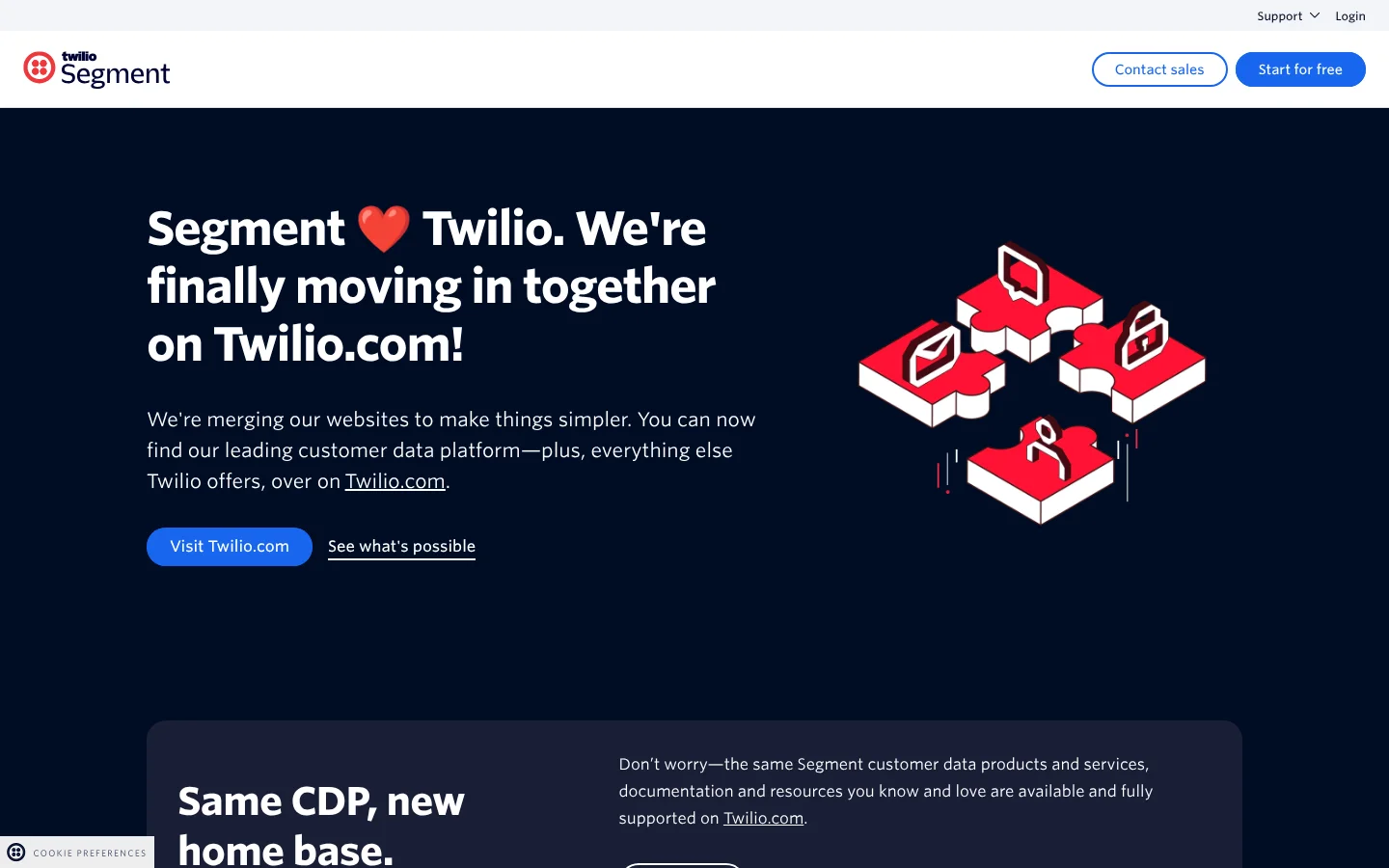
The Segment product page lists more than 750 integrations, including more than 550 destinations. Every one of those is a tool your buyers already use and already search for.
Segment's keyword strategy: searches about the tools it connects
Here's how small Segment's brand searches are, from Arrowsterr keyword data (Google, global, November 2026):
| Search | Searches a month |
|---|---|
| segment cdp | 390 |
| segment twilio | 320 |
| twilio segment cdp | 260 |
| segment analytics | 170 |
| segment pricing | 110 |
| segment alternatives | 70 |
And "segment" is an everyday word, so a short brand search mixes buyers with people who want something else.
So Segment builds a page for each search its buyers make while they set things up. Here's how each kind of search maps to a page:
- Partner plus task: A search like "send Segment events to HubSpot" lands on the HubSpot integration docs. Every integration has a page like it.
- Setup and code: A search like "install analytics.js" lands on the library docs. That's also where "segment analytics" and "segment docs" go.
- Category questions: A search like "what is a CDP" lands on the explainer in Twilio's Resource Center.
- Buying checks: "segment pricing" and "segment alternatives" land on the product page and the integration marketing pages.
Each page gives the searcher what they need right then. A developer connecting HubSpot wants steps and field mappings, and the HubSpot docs page gives exactly that.
The partner names also bring their own demand, since people search for HubSpot and Mixpanel every day. And a reader on a setup page is one step away from using the product.
Play 1: one page for every integration
If I could copy only one play, it'd be this one. Segment gives every integration its own indexable docs page, and one hub page links to all of them.
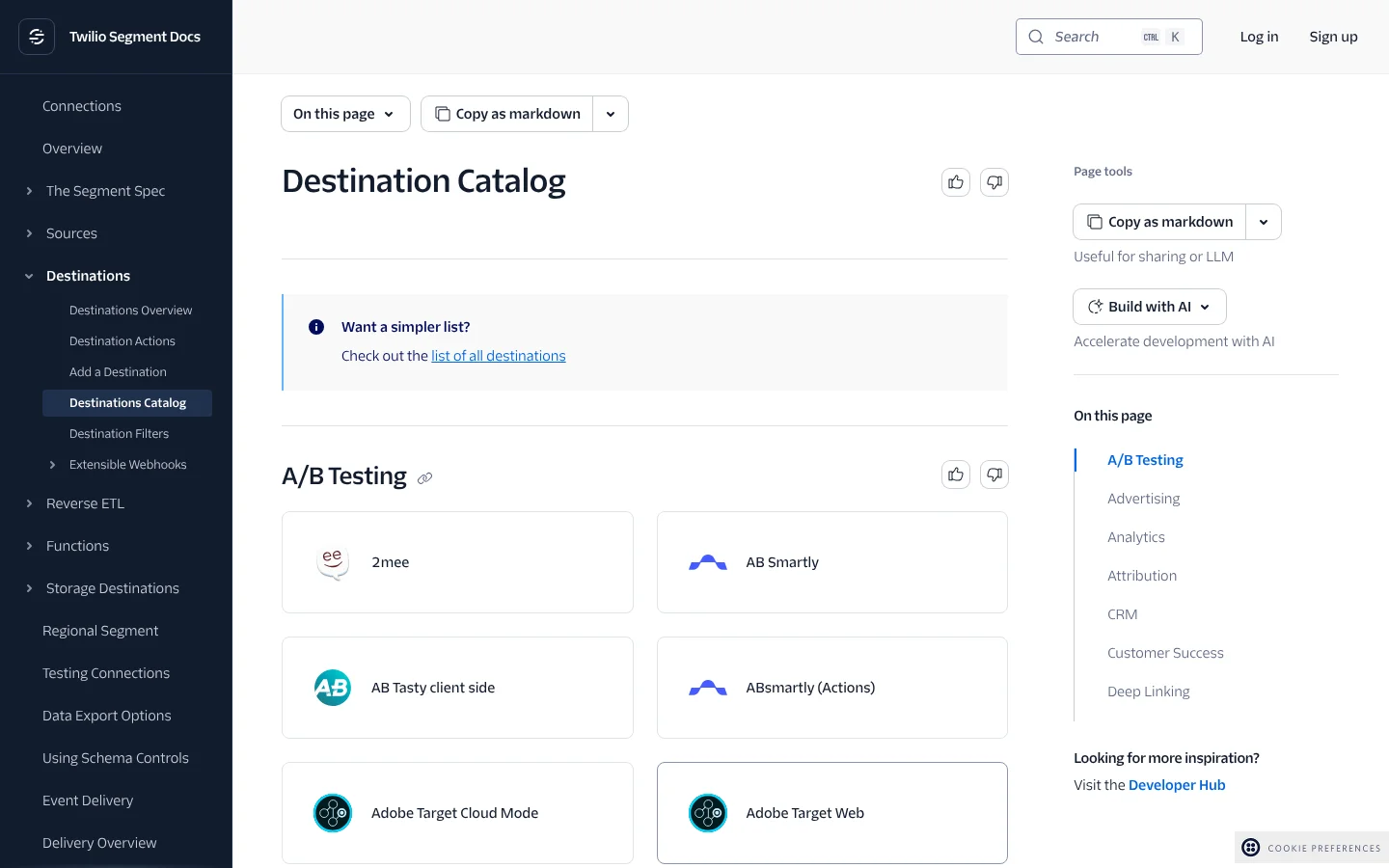
The Destination Catalog groups tools under headings such as Advertising and CRM. A reader, or Google, can reach any integration from that one page.
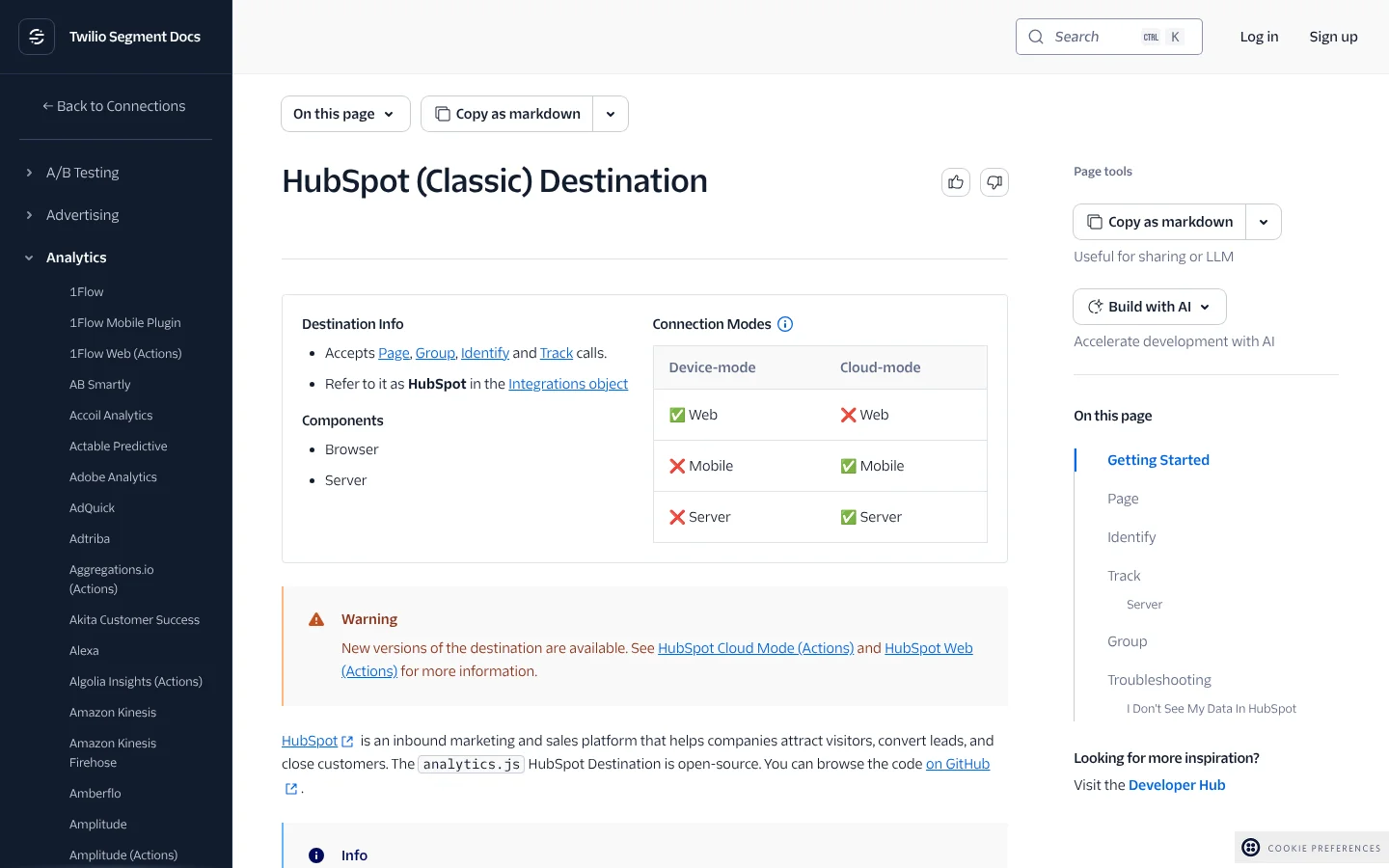
Every integration page uses the same template. The HubSpot destination page walks through Page, Identify, Track and Group calls in the same order as every other one, so a developer who has read one page knows how to read them all.
The pages also respond well to links. SimpleTiger, an SEO agency, built links to the integration pages Segment cared about most and reported a 127% rise in organic traffic to those pages in the first two months.
Here's how to copy it:
- Start with your top integrations: Pick the 10 or 20 tools your customers connect most. You don't need 750 to get started.
- Use one template: Give every page the same sections, such as what it does, setup steps and common errors.
- Build one hub page: Link to every integration page from a single catalog in plain HTML, the way the Destination Catalog does.
- Put the partner name in the title: "HubSpot integration" in the title is what lets the page rank for searches about that tool.
Play 2: public docs as the front door
Plenty of B2B companies keep their docs behind a login. Segment's docs are public, and they grew around the free library that started the company.
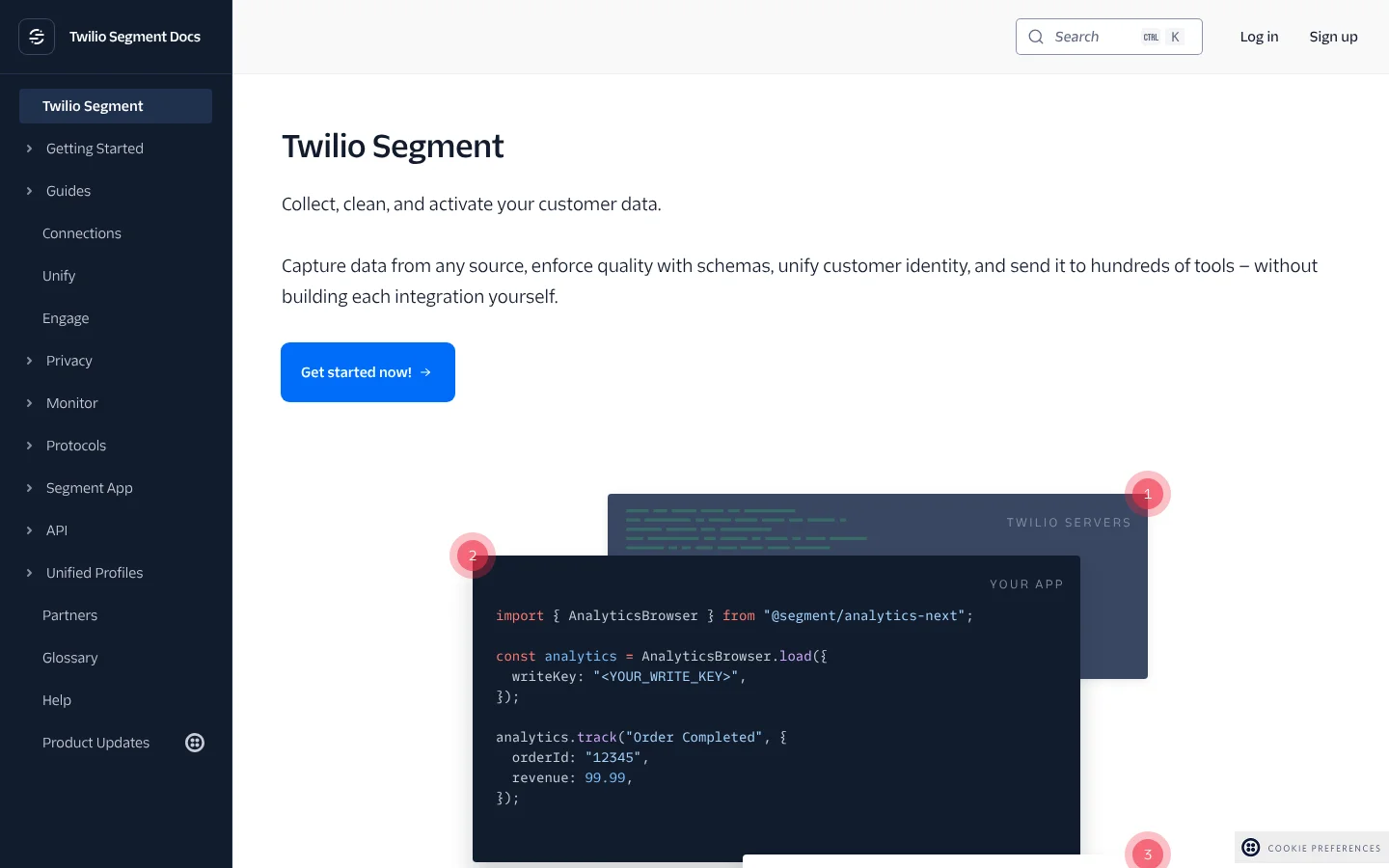
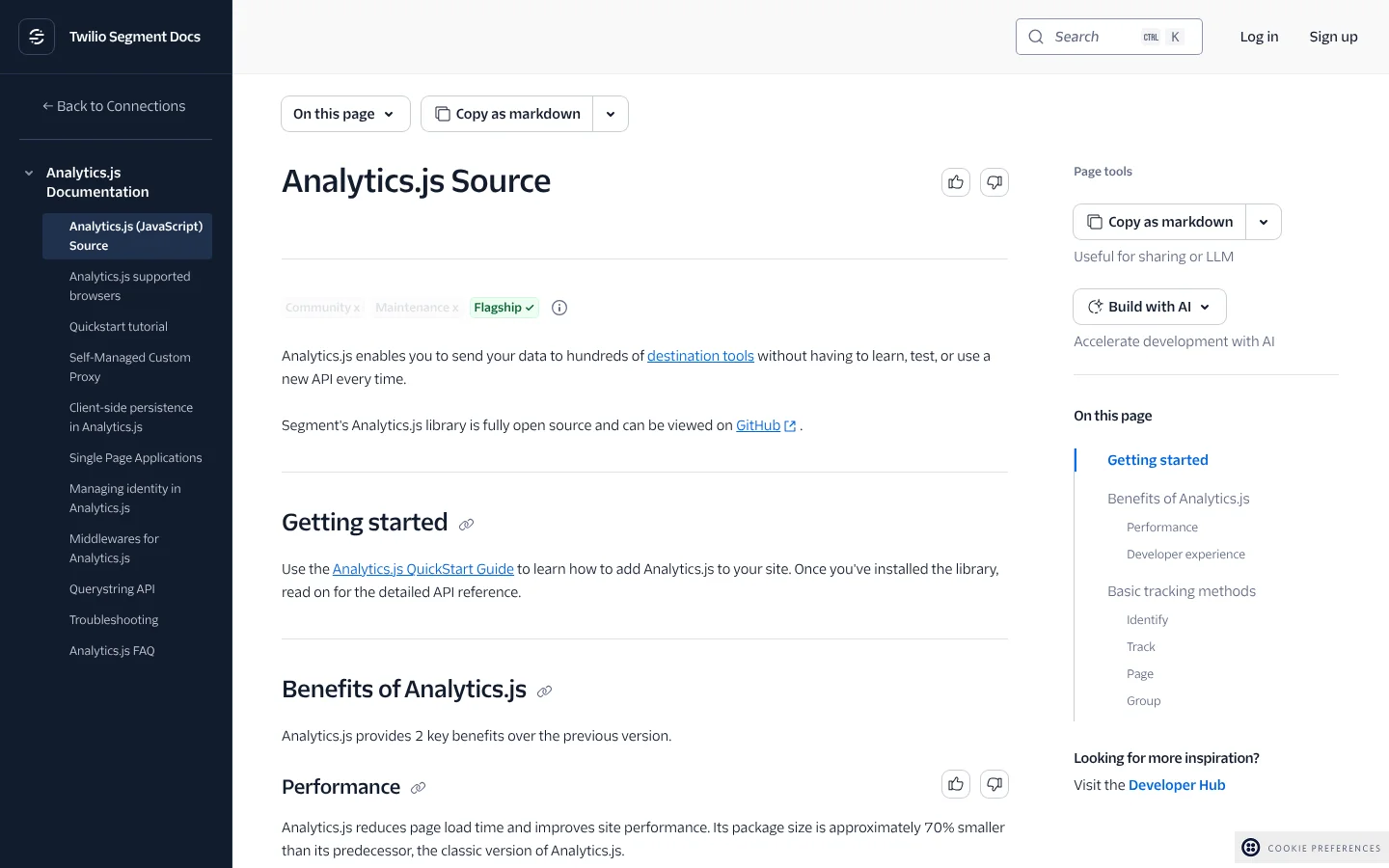
The docs home leads with an Analytics.js code sample, with a sidebar for each product area. The Analytics.js page itself is a long reference with an "On this page" menu, so a developer can jump straight to the step they're stuck on.
Developers search for code long before they talk to sales, and the person typing a setup question is often the one who'll push for the tool internally.
If you sell to technical teams, keep your docs public on your main domain. Write each page so it solves one task from start to finish, and add a signup or demo link where readers already trust you.
Play 3: marketing pages that hand readers to the docs
Buyers and builders search for the same tool in different words. A marketer types "Mixpanel integration", while a developer types "send events to Mixpanel". Segment gives each of them a page.

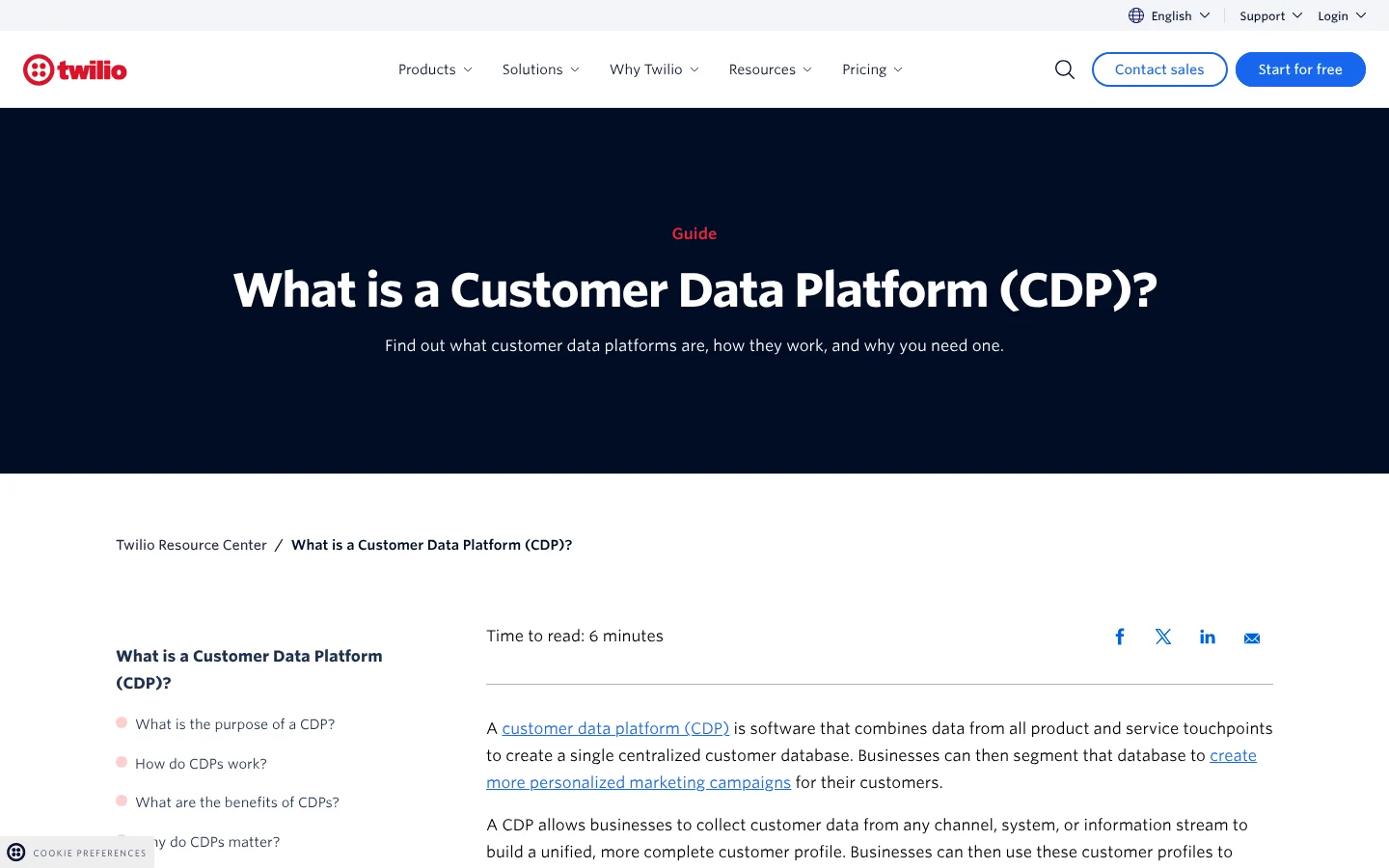
The Mixpanel integration page lists the benefits for buyers and has a "View docs" button for whoever sets it up. The broader CDP explainer in Twilio's Resource Center does the same for category questions, then points readers into the docs.
For your own site, give each key integration a short benefits page and link it to the setup guide. That way buyers and builders each land on a page written for them.
Play 4: one planned move onto Twilio.com
In 2026, Segment gave up its own domain and moved its blog, resources and docs onto Twilio.com. The docs now sit next to Twilio's other developer docs, under one bigger brand.
A move like this is risky, since every old URL needs a new home. If a merger or rebrand is coming, map each old URL to its closest new page early, point it there with a permanent (301) redirect and check your integration and setup guides right after launch.
What AI search changes for a docs-led site
AI answers take clicks from broad questions. Pew Research Center found people clicked a regular result on 8% of visits with an AI summary, against 15% without one.
I don't think setup questions are going away, though. A developer still needs exact steps and code that change with each release, and an AI tool needs a current page to pull them from.
Segment already plans for that. The "Copy as markdown" and "Build with AI" buttons at the top of its docs pages make it easy to drop a page into an AI coding tool. Our guide to GEO for B2B SaaS covers the rest of the work for AI answers.
What B2B teams can use from Twilio Segment SEO
You don't need 750 integrations to use Segment's model. Here's what I'd copy, in this order:
- A page for every integration you support: Each one gets a setup guide on a shared template, starting with the tools your customers use most.
- One hub that links to all of them: A plain catalog page makes every integration easy to find for readers and for Google.
- Public docs on your main domain: Write each page around one task, and add a signup or demo link to it.
- A short marketing page for your top integrations: Buyers get the benefits, and the page hands builders to the docs.
To find the searches behind those pages, run SaaS keyword research on your product name plus each partner's name. Our guides to SEO for software companies and pillar page examples cover the hub side.
Integration docs aren't the most exciting pages to write. But if a developer can find your setup guide faster than your competitor's, who do you think they'll recommend to their boss?
More SEO case studies
- How NerdWallet Grew Its SEO Into a Public Company
- How Investopedia Grew Its SEO With a Dictionary
- Wix SEO: How Wix Turned SEO Into a Growth Engine
- How Airtable Grew Its SEO With Templates
- How Atlassian Does SEO Without a Sales Team
- How Buffer Does SEO and Content With a Small Team
- How Headspace Does Content Marketing (And What B2B Brands Can Learn)
FAQ
What can you learn from Segment's SEO strategy?
Build a page for each search your buyers make while they set up your product. Segment gives every integration a public docs page, so searches like "send Segment events to HubSpot" bring developers to its site.
Do you need hundreds of integrations to copy Segment's approach?
No. Start with the 10 or 20 integrations your customers use most, give each one a page on a shared template and link them all from one hub page.
Why do integration pages help B2B SEO?
They match searches with clear intent, like a partner's name plus a task, and they show buyers your product works with the tools they already use. SimpleTiger reported a 127% rise in organic traffic to Segment's target integration pages in two months of link building.
Where are the Segment docs now?
The Segment docs are at twilio.com/docs/segment. Segment.com merged into Twilio.com on February 26, 2026, and the docs moved into Twilio Docs as part of that change.
Does AI search hurt docs pages?
AI summaries cut clicks on broad questions, and Pew Research Center found people clicked a regular result on 8% of visits with one, against 15% without. Setup docs with exact steps and code still get used by developers and AI tools, so keep yours public and current.
Start by listing every tool your product connects to and every setup question your buyers ask. If few of those have their own page, a free AI visibility audit shows which buyer searches your site misses today.