The best SEO automation tools for SaaS teams in 2026 cover six jobs: keyword research, content briefs, technical audits, internal linking, reporting and the glue between tools. If you can only buy a few, start with Ahrefs for research, Surfer for briefs and Screaming Frog for audits.
We run SEO programs for B2B SaaS companies and checked every price below on the vendor's own pricing page in November 2026. Each entry covers the workflow the tool automates, its key features, its price and the team it suits.
How we picked these SaaS SEO tools
We grouped the tools by the task they take off your plate, and each one had to meet these rules:
- It removes a repeat SEO task, such as sorting keywords, checking pages or building reports.
- It works for a SaaS site, whether you publish on WordPress, Webflow or a custom stack.
- Its price is public, or the vendor clearly offers pricing on request.
- We could open its product and pricing pages ourselves in November 2026.
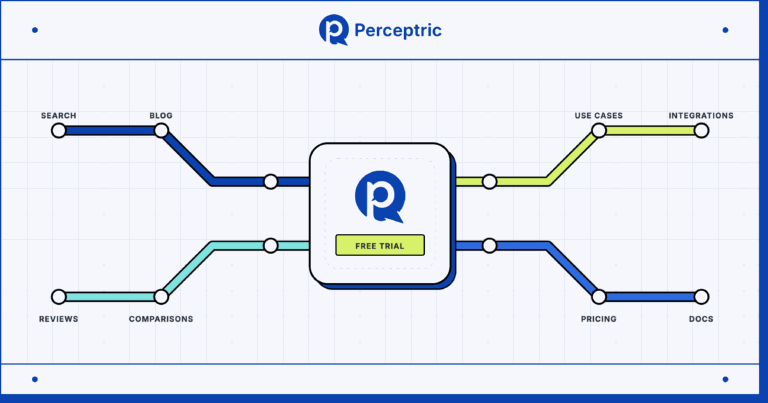
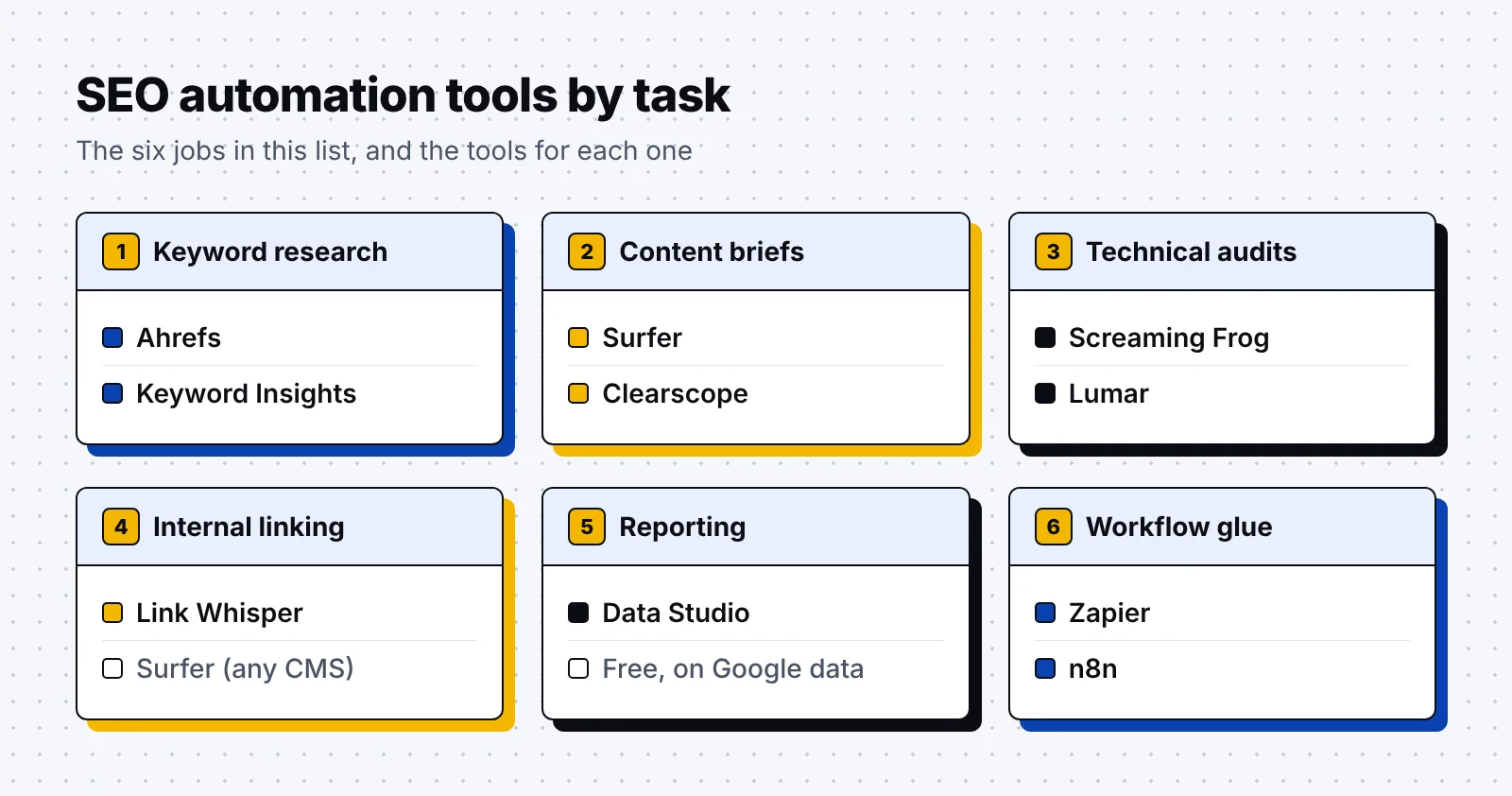
We left out AI rank and AI visibility trackers, since our guide to AI rank tracking tools covers them. The map below shows which task each of the 10 tools handles:
1. Ahrefs
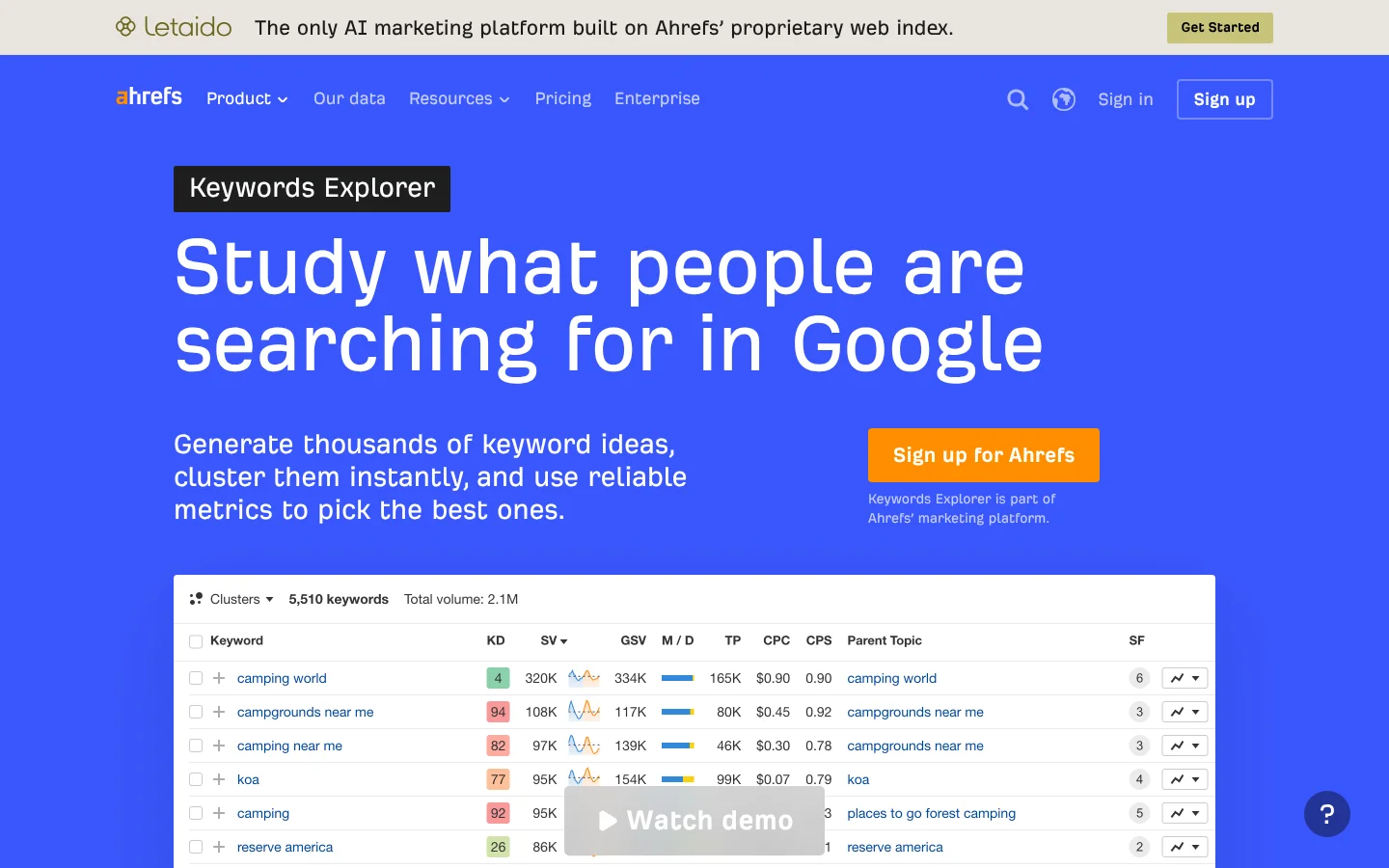
Ahrefs is a software that gives SEO teams keyword and backlink data from its own web crawler. Its Keywords Explorer draws on 28.7 billion keywords across 217 locations.
Workflow it automates: Keyword research and clustering, turning a seed topic into thousands of keyword ideas grouped by parent topic.
Key features:
- AI keyword ideas from a short topic, with search intent read from the results page.
- Clustering by parent topic or shared terms, so you skip manual grouping in a spreadsheet.
- A Rank Tracker with weekly updates and warnings when a competitor outranks your page.
- An always-on site audit on Lite and higher plans.
Pricing: Lite costs $129 a month and Standard costs $249 a month, with up to 17% off when you pay yearly. A $29 Starter plan and a free plan with limited Site Explorer and Site Audit access are also available.
Best for: SaaS teams that want keyword, rank and audit data in one tool.
2. Keyword Insights
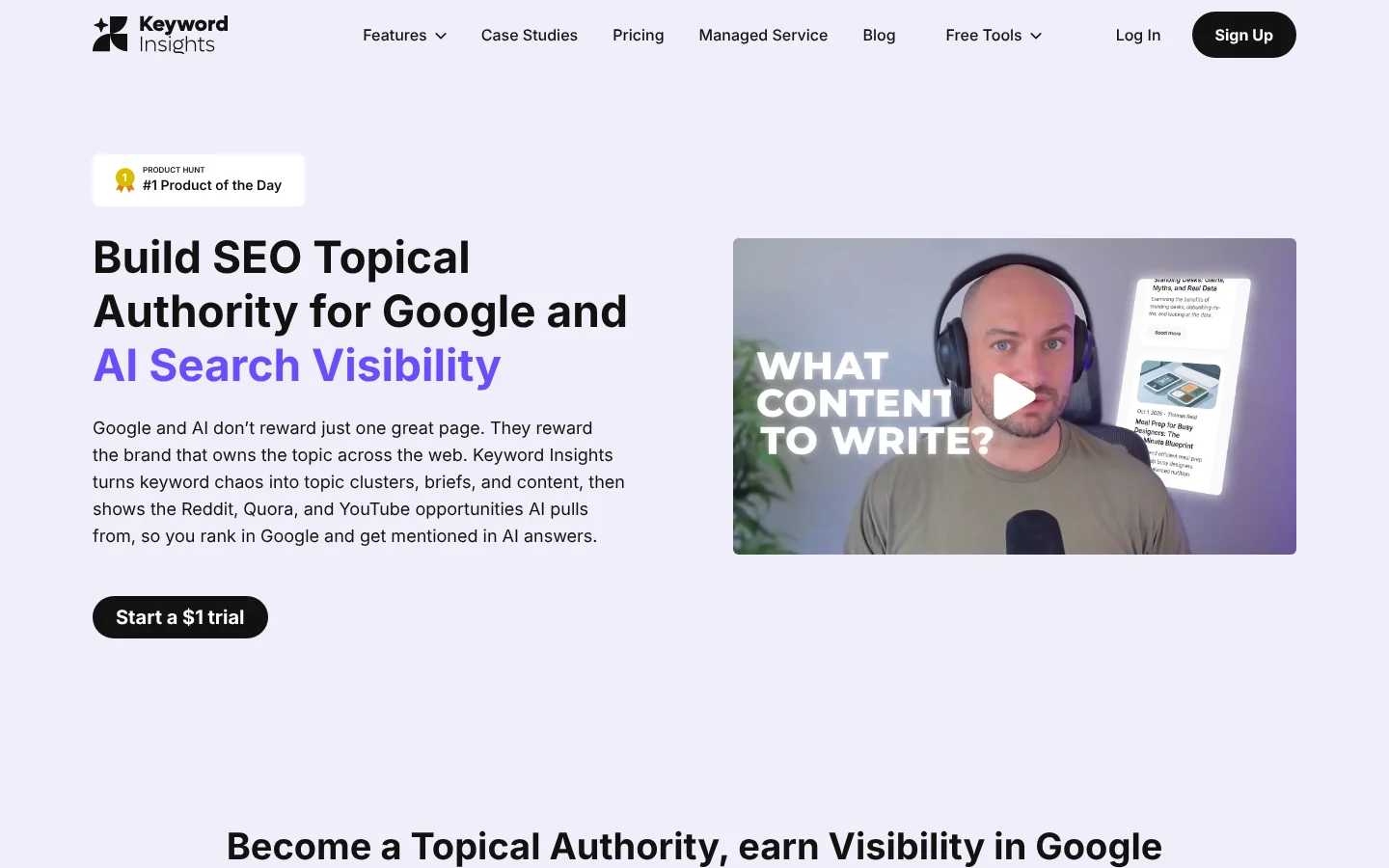
Keyword Insights is a software that groups keywords into topic clusters by how much their Google results overlap. It then turns each cluster into a content brief or a draft.
Workflow it automates: Keyword clustering, which shows which keywords from a raw export belong on one page. Our SaaS keyword research guide shows how clusters become a content plan.
Key features:
- Keyword discovery from Google Autocomplete, Reddit, Quora and People Also Ask.
- Clustering by search result similarity at one credit per keyword.
- Search intent labels based on the top 10 Google results for each keyword.
- Content briefs with headings and questions, plus an AI writing assistant.
Pricing: Basic costs $58 a month with 10,000 credits, and Professional costs $99 a month with 20,000 credits. Luckily, a 7-day trial costs $1 and includes 5,000 credits.
Best for: Content teams that plan large topic clusters from long keyword lists.
3. Surfer
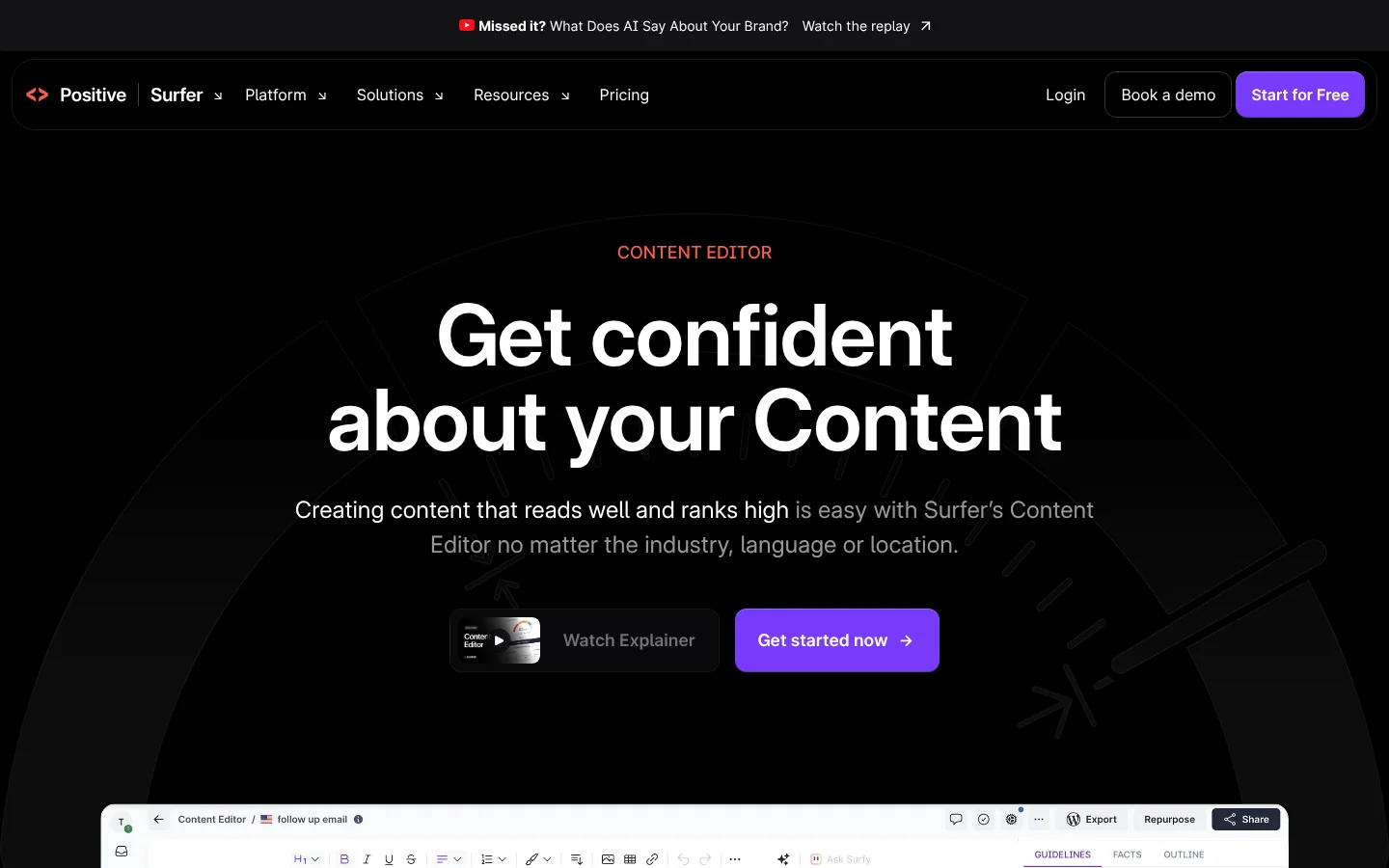
Surfer is a software that scores a draft against the pages that rank for your keyword and shows what to add as you write. More than 150,000 marketers, agencies and SEOs use it.
Workflow it automates: Content briefs and on-page checks, with the outline and draft grade inside the editor your writers already use.
Key features:
- A Content Editor with a live Content Score based on more than 500 ranking factors.
- An Outline Builder that drafts headings and questions for each brief.
- Auto-Optimize, which adds missing terms and sections to raise the score.
- Integrations with Google Docs, ChatGPT, WordPress and Contentful.
Pricing: Discovery costs $49 a month and Standard costs $99 a month, both billed yearly, and Discovery includes 120 documents.
Best for: Writers and editors who want on-page guidance while they draft.
4. Clearscope
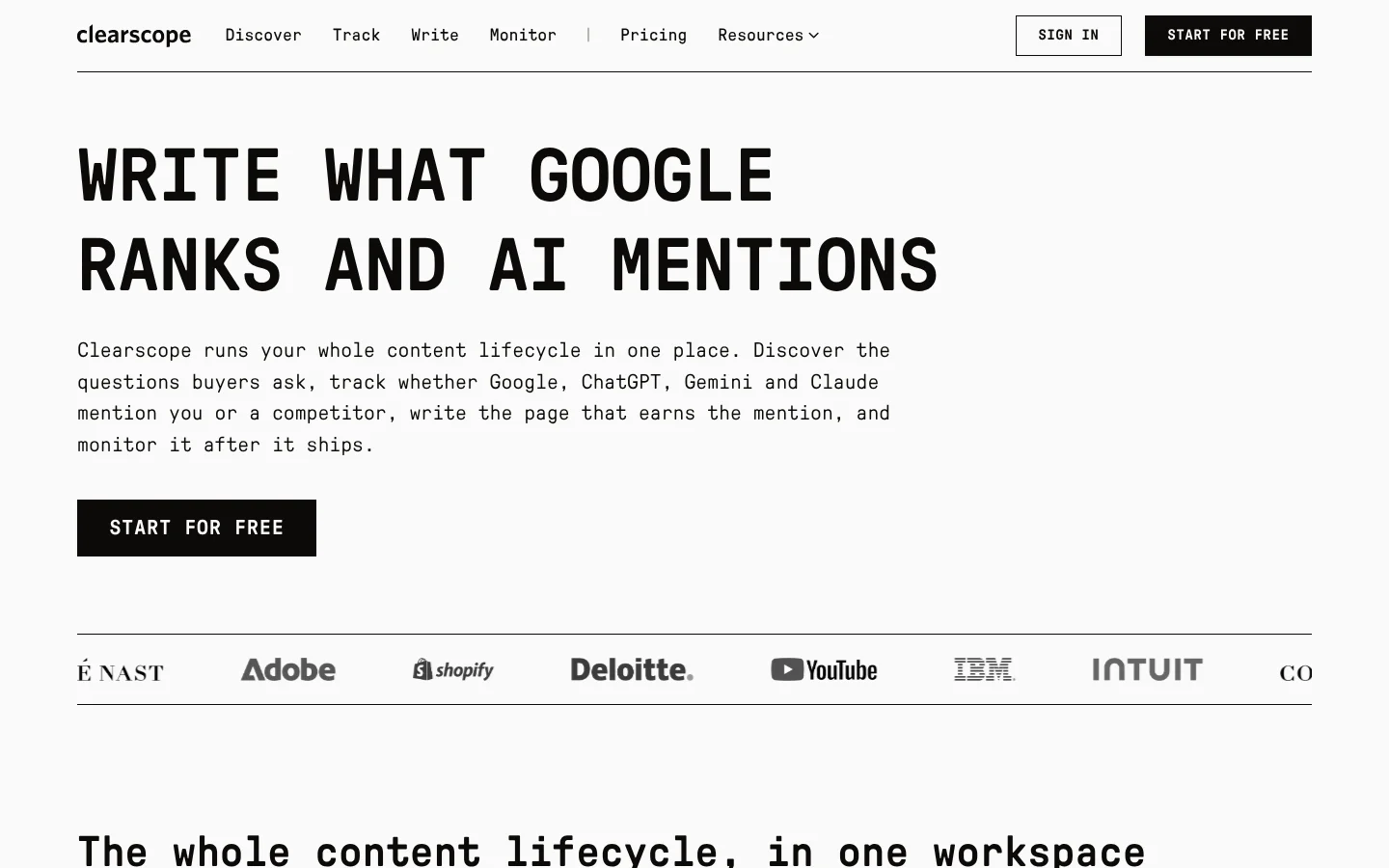
Clearscope is a software that helps content teams write and refresh pages for Google and AI search. Its editor grades a draft as you type in Google Docs, Microsoft Word or WordPress.
Workflow it automates: Content refreshes, by flagging decaying pages and queries close to page one from your Search Console data.
Key features:
- Drafts that start from a query's intent and your brand's tone.
- Term guidance and a live grade, plus a button that fills in missing topics.
- Monitor, which tracks each page's grade, clicks and SEO value.
- Saved views that flag content decay and striking-distance queries.
Pricing: Essentials costs $129 a month with 50 pages and 20 drafts a month, and Business costs $399 a month, with unlimited users on every plan.
Best for: SaaS content teams that refresh a large library of existing posts.
5. Screaming Frog SEO Spider
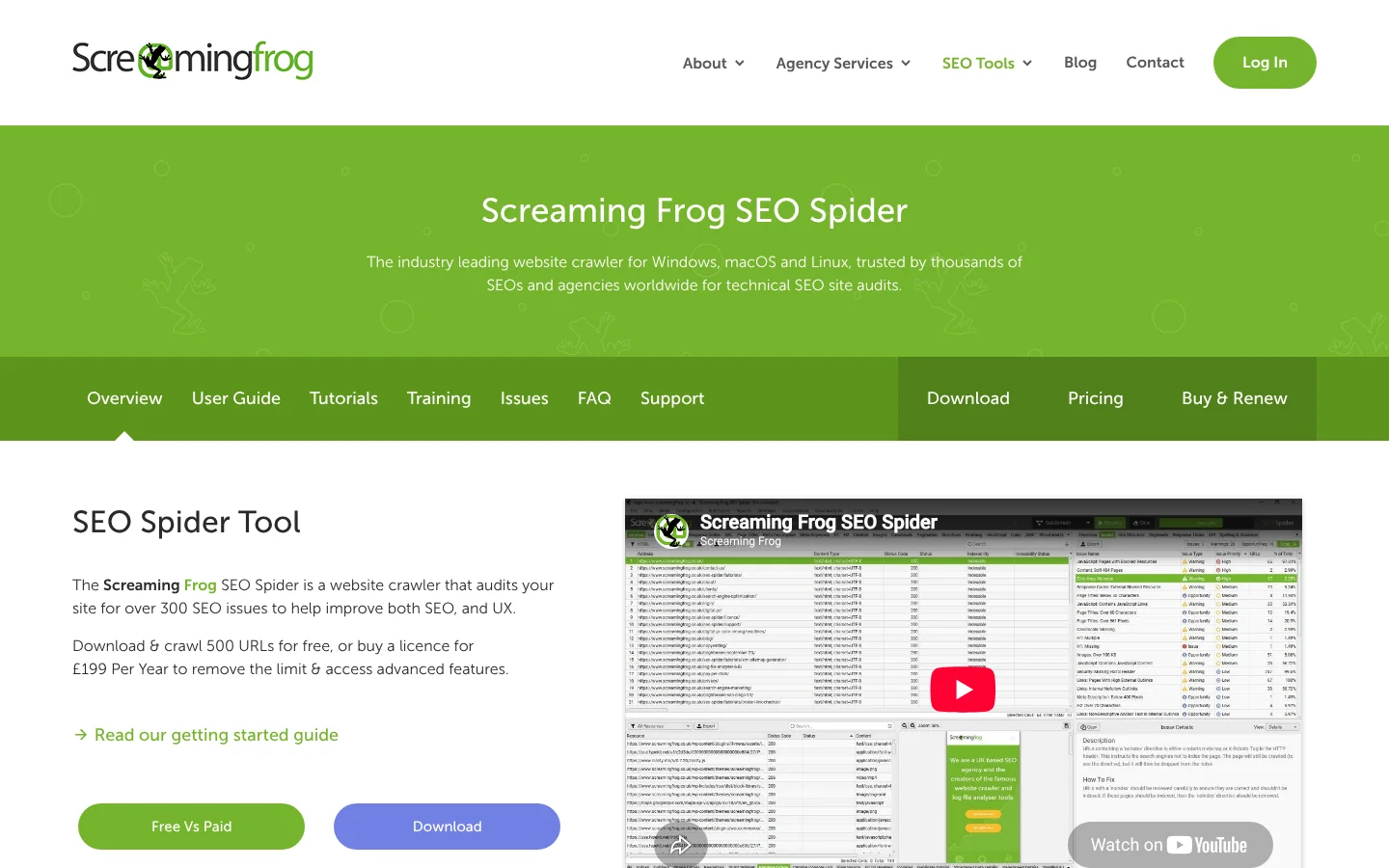
Screaming Frog SEO Spider is a software that crawls your site like a search engine and audits it for over 300 SEO issues.
Workflow it automates: Technical audits, with scheduled crawls that export results to Google Sheets or a Looker Studio crawl report.
Key features:
- Scheduled crawls, plus a command line for full automation.
- Crawl comparison that shows what changed and checks staging against production.
- JavaScript rendering for sites built with React, Angular or Vue.
- Custom extraction and crawls that send page data to OpenAI or Gemini.
Pricing: The free version crawls up to 500 URLs. A licence costs $279 a year, or $23.25 a month, and adds scheduled crawls with no crawl limit.
Best for: SEO leads who run hands-on audits and site migrations.
6. Lumar
Lumar is a software that crawls large websites and tracks their technical SEO health over time. Its Protect product runs more than 350 out-of-the-box tests on new code.
Workflow it automates: Technical QA, through a CI/CD hook that can stop a release that fails your technical health threshold.
Key features:
- Analyze, which crawls and audits sites of any size.
- Monitor, which tracks changes across core site metrics for many domains.
- Protect tests that block a build or warn developers before a page goes live.
- Accessibility checks that find WCAG issues.
Pricing: Pricing is on request, with flexible packages so you can skip features you don't need.
Best for: Larger SaaS sites where engineers ship site changes every week.
7. Link Whisper
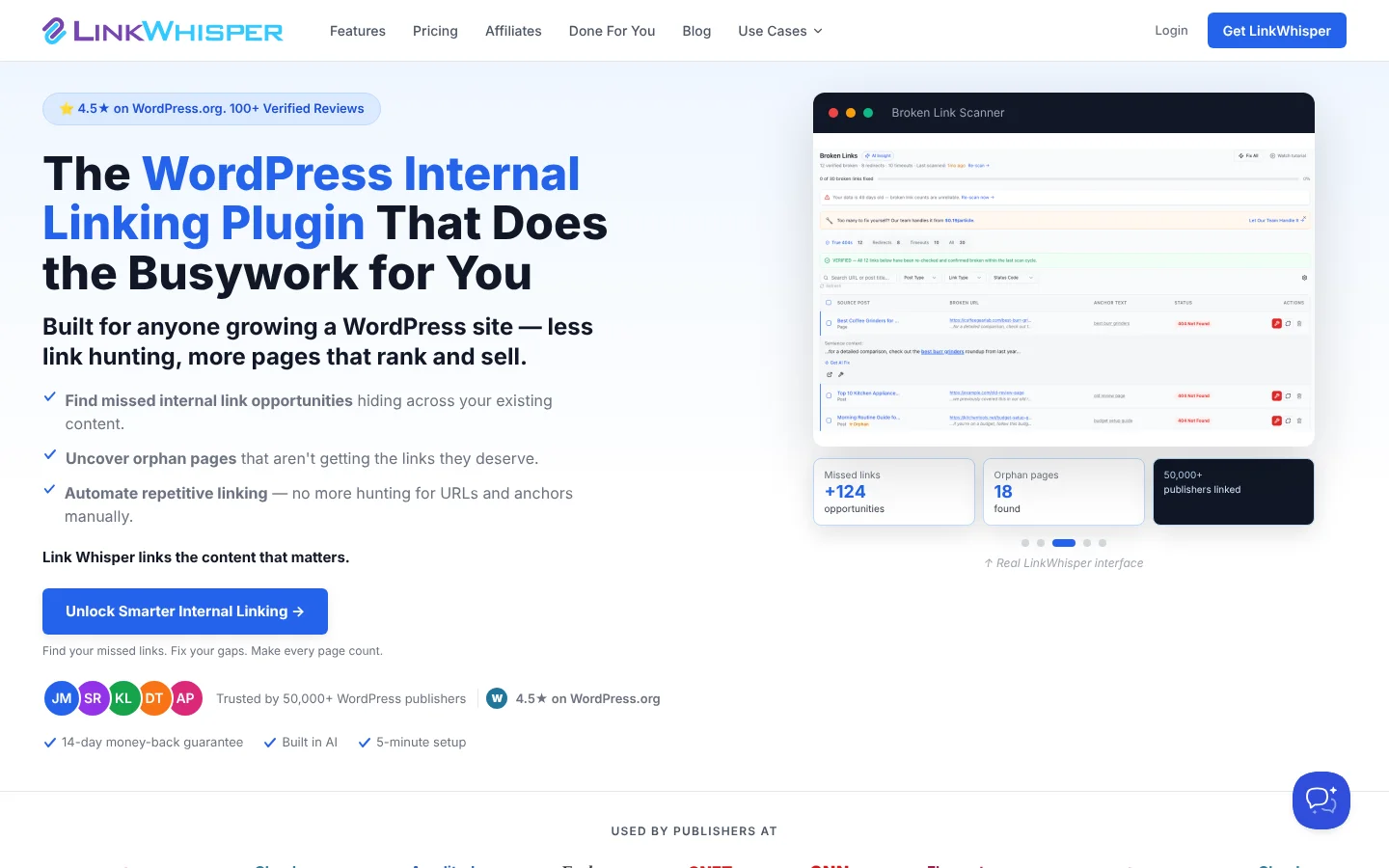
Link Whisper is a software that suggests and adds internal links inside WordPress. More than 50,000 WordPress publishers use it.
Workflow it automates: Internal linking, by finding missed links in your posts and linking orphan pages. Outside WordPress, Surfer's Internal Linking feature can insert links from its editor.
Key features:
- AI suggestions for internal links in new and existing posts.
- Auto Linking, which adds links without hunting for URLs and anchors.
- Reports that find orphan pages and 404 errors.
- A link health dashboard with a broken link scanner.
Pricing: Starter costs $97 a year, about $8 a month, for one WordPress site. Growth costs $197 a year for three sites, and every plan has a 14-day money-back guarantee.
Best for: SaaS blogs that run on WordPress and publish often.
8. Data Studio (formerly Looker Studio)
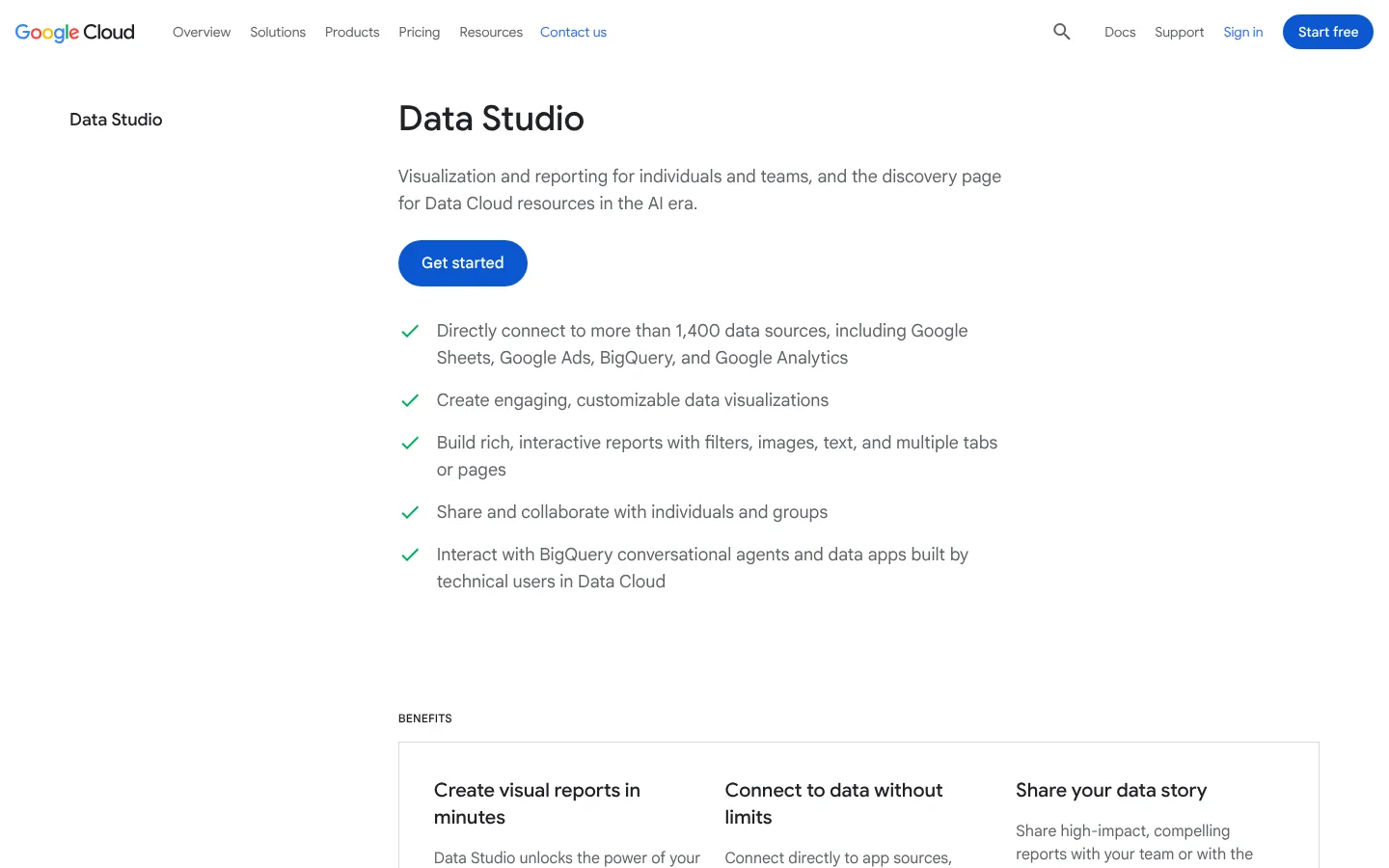
Data Studio is a software from Google that turns your data into shared dashboards and reports. Google renamed Looker Studio back to Data Studio in April 2026, and existing reports moved over with no action needed.
Workflow it automates: SEO reporting, with live Search Console and analytics dashboards emailed to your team on a schedule.
Key features:
- Connections to more than 1,400 data sources, including Google Sheets, Google Ads, BigQuery and Google Analytics.
- A Search Console connector with site and URL impression tables.
- Scheduled delivery that emails a PDF of the report with a link to the live version.
Pricing: Data Studio is free for creators and viewers. Data Studio Pro costs $9 per user per project per month and adds team content management and support.
Best for: SaaS teams that want free SEO dashboards built on Google data.
9. Zapier
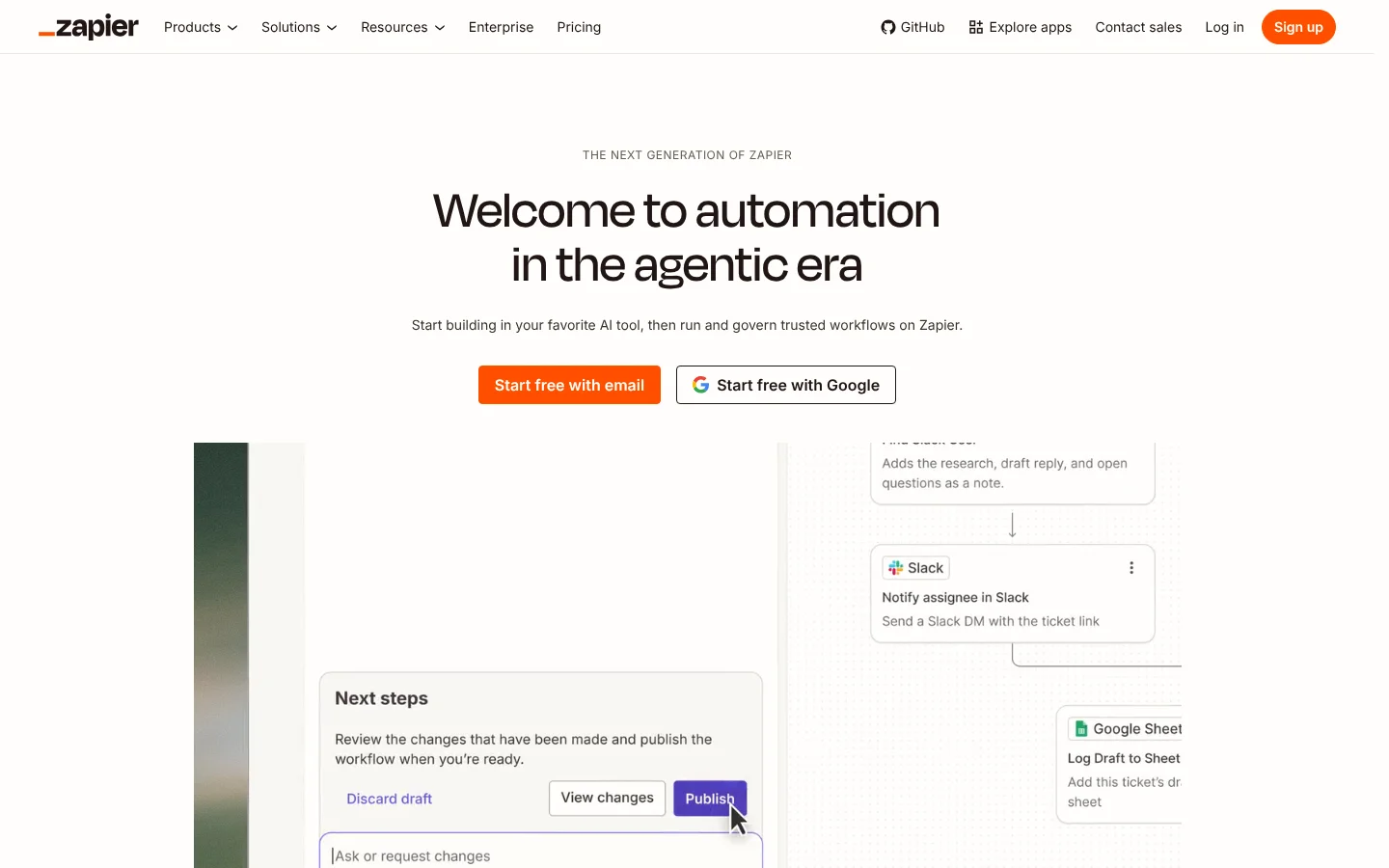
Zapier is a software that connects more than 9,000 apps, so an event in one tool starts actions in others. Its workflows, called Zaps, can include AI steps and data stored in Tables.
Workflow it automates: Handoffs between SEO tools, such as posting a new brief in Slack or logging each published URL in Google Sheets.
Key features:
- Multi-step Zaps with logic branches and AI steps.
- Webhooks for tools that don't have a Zapier app yet.
- Tables for storing data and Forms for request intake.
- Zapier MCP, which lets AI assistants take actions in your apps.
Pricing: The Free plan includes 100 tasks a month. Professional costs $19.99 a month billed yearly, or $29.99 billed monthly, for 750 tasks.
Best for: Marketing teams that want no-code automation between their SEO tools.
10. n8n
n8n is a software for building workflows and AI agents on a visual canvas, hosted by n8n or on your own servers. A self-hosted Community Edition is available on GitHub.
Workflow it automates: Multi-step SEO jobs with custom logic, such as scoring Search Console pages with an AI model and filing tickets.
Key features:
- Pricing by workflow run, with unlimited steps, users and workflows.
- Agent, MCP and AI nodes on every plan.
- Every integration on every plan.
- Workflow history and admin roles on the Pro plan.
Pricing: Starter costs $20 a month billed yearly, or $24 billed monthly, for 2,500 workflow runs. Pro costs $50 a month billed yearly for 10,000 runs.
Best for: Technical SEO and growth teams that want full control or self-hosting.
SEO automation tools comparison
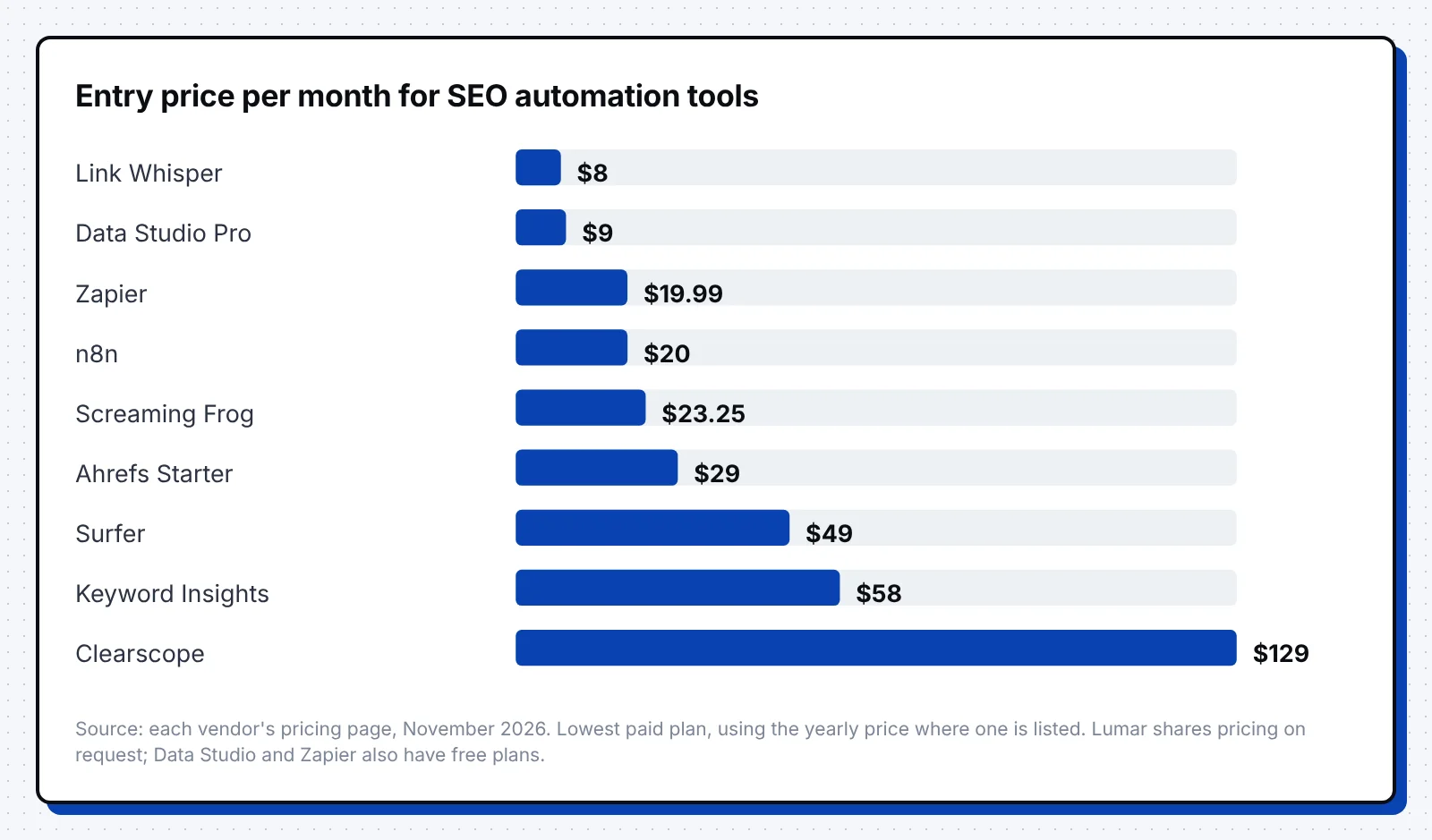
The table sums up the task, starting price and best fit for each tool. Prices are the lowest paid plan on each pricing page in November 2026, before taxes and add-ons.
| Tool | Task | Starting price | Best for |
|---|---|---|---|
| Ahrefs | Keyword research | $29 a month (Starter) | Keyword, rank and audit data in one tool |
| Keyword Insights | Keyword clustering | $58 a month | Large topic cluster plans |
| Surfer | Content briefs | $49 a month, billed yearly | On-page guidance while drafting |
| Clearscope | Briefs and refreshes | $129 a month | Refreshing a large content library |
| Screaming Frog | Technical audits | Free to 500 URLs; $279 a year | Hands-on audits and migrations |
| Lumar | Monitoring and QA | On request | Sites that ship code every week |
| Link Whisper | Internal linking | $97 a year | WordPress blogs |
| Data Studio | Reporting | Free; Pro $9 per user per project a month | Free dashboards on Google data |
| Zapier | Workflow glue | Free; $19.99 a month, billed yearly | No-code handoffs between tools |
| n8n | Workflow glue | $20 a month, billed yearly | Custom logic and self-hosting |
How to choose SEO automation tools
Start with the task that eats the most hours each week, then add tools one at a time. These steps keep the choice simple:
- Time your team for two weeks and list the SEO tasks that repeat, such as reports and audits.
- Automate the biggest task first, and keep one owner who checks the output each week.
- Pick one research tool, since Ahrefs and Keyword Insights overlap on keyword ideas.
- Match your CMS, because Link Whisper only works on WordPress sites.
- Add Zapier or n8n only when two tools need to share data on a schedule.
- Check the total yearly cost at your real volume, including seats, credits and add-ons.
Helpfully, our B2B SaaS SEO guide shows where each task fits in a full program. Our list of SEO best practices covers the checks worth running every month.
FAQ
What are SEO automation tools?
SEO automation tools are software that run repeat SEO tasks for you, such as keyword clustering, site crawls, rank checks and reports. They free your team to spend more time on strategy and writing.
Which SEO automation tools are free?
Data Studio is free for creators and viewers, and the Screaming Frog free version crawls up to 500 URLs. Zapier's Free plan includes 100 tasks a month, and you can self-host the n8n Community Edition from GitHub.
How much do SaaS SEO tools cost?
Paid plans on this list start at about $8 a month for Link Whisper and reach $129 a month for Clearscope Essentials and Ahrefs Lite. Lumar shares its pricing on request.
Can you automate SEO completely?
You can automate most data work, such as research, audits, internal links and reports. Strategy and final edits on what to publish still need people on your team.
Do you need Zapier or n8n for SEO automation?
You need one when your tools must pass data to each other, such as sending new crawl issues to a ticket queue. Zapier suits no-code teams, while n8n suits teams that want custom logic or self-hosting.
A good first step is to list the SEO tasks your team repeats each week and automate the one that takes the most hours. To see where your SaaS brand shows up in Google and AI answers today, start with a free AI visibility audit.